Quick Answer
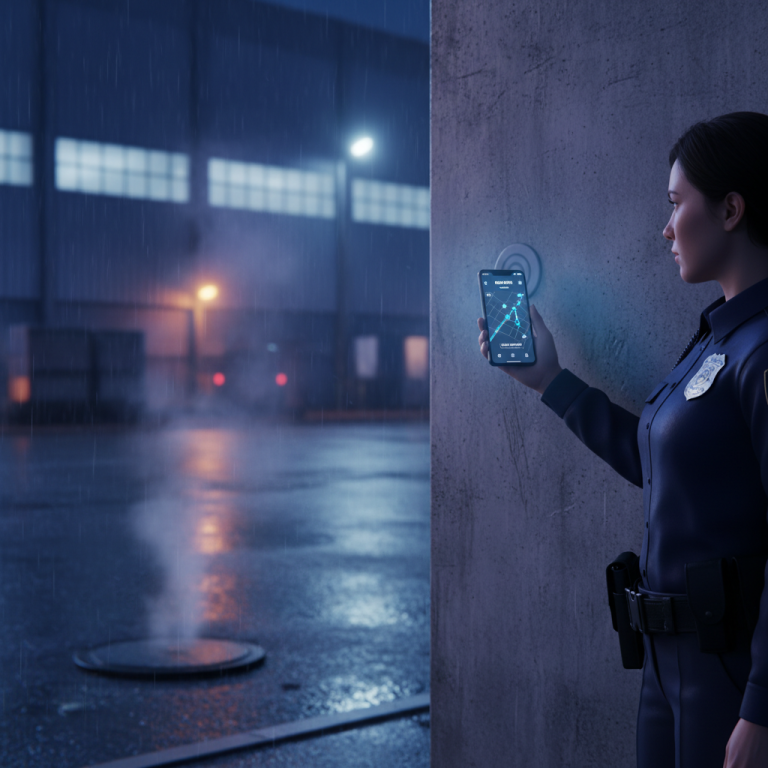
Security guard tracking software is a digital solution designed to monitor, manage, and optimize the activities of security personnel in real-time. This technology leverages GPS, NFC, QR codes, and mobile applications to log patrols, incidents, and tasks, providing comprehensive oversight for enhanced safety, accountability, and operational efficiency across various sites and shifts.
Key Facts
- Over 60% of security firms are adopting digital tracking solutions to improve operational oversight.
- GPS tracking features offer real-time location data, significantly reducing response times to incidents.
- QR code and NFC checkpoints ensure guards physically verify their presence at critical locations.
- Automated reporting can save up to 10 hours per week for supervisory staff.
- Integration with incident management modules streamlines documentation and follow-up processes.
Security guard tracking software is a digital system that helps monitor and manage security personnel by tracking their location, activities, and incident reporting in real-time. It uses technologies like GPS, QR codes, and NFC tags to ensure guards are where they need to be, when they need to be, and provides digital tools for reporting and communication. For us, it’s about bringing transparency and accountability to ground operations.
Why We Built GuardPatrolling: The Problem with Manual Patrols
When we started guardpatrolling.com, we saw a lot of security companies still relying on logbooks and supervisors physically checking in. This wasn’t just inefficient; it created massive blind spots. How do you really know a guard checked every point on a large premise at 3 AM? Was that incident report written hours after the fact, or immediately? Our initial deployments showed us manual processes led to:
- Lack of Real-time Visibility: You only knew what happened after the shift, or sometimes even days later. This made incident response slow.
- Accountability Gaps: It was hard to prove a patrol was done right, or even done at all. Disputes with clients were common.
- Inefficient Reporting: Paper reports were often incomplete, illegible, and took forever to compile into actionable data.
- Poor Resource Allocation: Without data, optimizing routes or understanding patrol hotspots was guesswork.
This is where security guard tracking software comes in. It’s not just about “checking boxes” anymore; it’s about verifiable, real-time data that empowers better decision-making.
Core Features of Modern Security Guard Tracking Software
What should you look for in a system today? Based on what our clients use most, here are the key features:
GPS Tracking & Geo-fencing
This is foundational. GPS lets you see where your guards are in real-time on a map. Geo-fencing allows you to define virtual perimeters. If a guard leaves their assigned zone or enters a restricted one, you get an alert. We use this for perimeter patrols, keeping an eye on static guards, and ensuring guards stay within client-defined operational areas. It’s a lifesaver for proving compliance.
QR Code & NFC Checkpoints
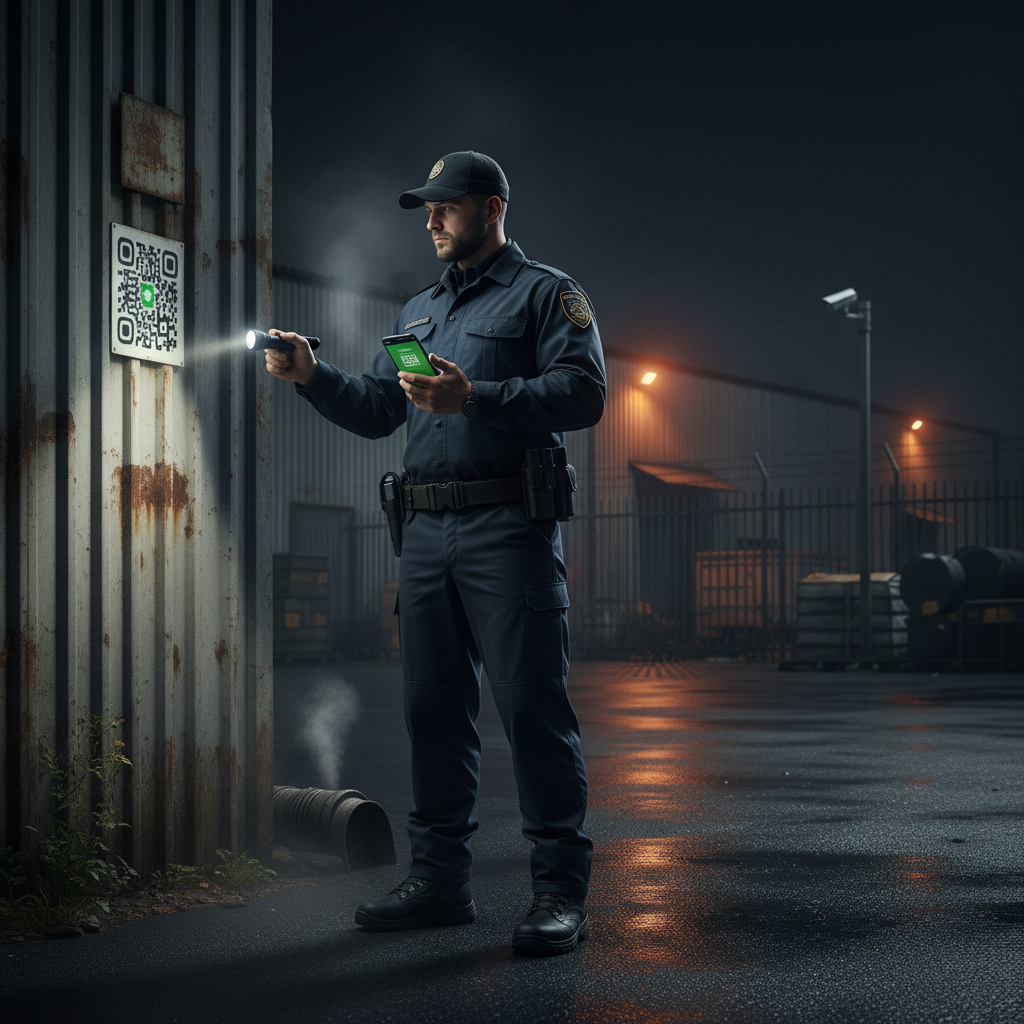
These are your digital “punch clocks” at specific locations. Guards scan a QR code or tap an NFC tag with their smartphone at pre-defined checkpoints. This verifies their presence at a specific spot at a specific time. We’ve seen this drastically improve patrol adherence. It’s more reliable than guessing if someone walked past a door. If you’re curious about the tech, we also have a post comparing QR code vs NFC vs RFID.
Incident Reporting & Management
Forget paper forms. Digital incident reporting allows guards to quickly log incidents – suspicious activity, property damage, medical emergencies – directly from their mobile app. They can attach photos, videos, and GPS coordinates. This instant reporting means your operations center gets the details immediately, enabling faster response and better documentation. This is a huge one for legal protection and client satisfaction.
Shift Scheduling & Dispatch
Managing guard shifts can be a nightmare. Our software includes tools for creating schedules, assigning shifts, and dispatching guards to specific locations or tasks. Guards get their schedules on their app, reducing miscommunications. If a guard calls in sick, you can quickly find replacements and reassign. This kind of guard monitoring software drastically reduces administrative overhead.
Proof of Presence & Activity Logs
Every scan, every report, every patrol route is logged and timestamped. This creates an unchangeable audit trail. When a client asks for proof of service, you have it instantly. We’ve had clients win contracts specifically because they could demonstrate this level of transparency.
Choosing Your Security Guard Tracking Software: What Matters?
There are many options out there, but not all are created equal. When we advise companies, we focus on a few key areas:
Ease of Use for Guards and Managers
If your guards find the app too complicated, they won’t use it. Period. The interface needs to be intuitive. For managers, the dashboard should present data clearly and allow easy configuration. We spent a lot of time simplifying our app because we know many guards aren’t tech whizzes – it just needs to work.
Reliability and Offline Capabilities
Our experience shows that network coverage isn’t always perfect, especially in basements, rural areas, or large industrial sites. Does the app store data offline and sync when connectivity returns? This is non-negotiable for consistent tracking. Many systems fail on this front.
Scalability for Your Business Growth
Will the software grow with you? If you add more clients or guards, can the system handle it without hitting performance issues or costing a fortune? Look for flexible pricing and a robust infrastructure. Our clients range from small, 5-guard operations to companies with hundreds, and the system needs to perform for all.
Integration with Existing Systems
Can it integrate with your payroll, HR, or client reporting systems? While not always a day-one requirement, good integration capabilities save a lot of manual data entry down the line. We often help clients build small custom integrations.
Customer Support and Training
Hardware fails, people forget how to do things, and questions arise. What kind of support does the vendor offer? Is it responsive? Do they provide training materials? A good support team is worth its weight in gold when you’re deploying a new system.
Comparison: Guardpatrolling.com vs. Legacy Systems vs. Basic Apps
| Feature/Aspect | Guardpatrolling.com | Legacy Guard Tour (Wands) | Basic Mobile App (Free/Low Cost) |
|---|---|---|---|
| Real-time Tracking | Yes (GPS, QR/NFC) | No (Post-sync only) | Often unreliable or limited |
| Incident Reporting | Photos, videos, GPS, custom forms | Paper forms or separate system | Often just text notes, no media |
| Offline Mode | Yes, data syncs when online | Relevant for some models | Often fails without internet |
| Shift Scheduling | Integrated management | Manual or separate software | Not included, minimal |
| Audit Trails | Comprehensive, verifiable | Limited to device reports | Basic at best, easily manipulated |
| Client Portal | Yes, for transparency | No | No |
| Cost Model | Subscription (per device/guard) | High upfront hardware, ongoing maintenance | Per-user subscription, hidden costs |
The Real-World Benefits We See Our Clients Get
It’s easy to talk about features, but what’s the actual impact? For our average client, we’ve observed:
- 20-30% Reduction in Client Complaints: Because you have verifiable proof of service.
- 15-25% Improvement in Guard Accountability: Guards know they are being tracked, leading to better compliance.
- Faster Incident Response, up to 50%: Real-time alerts mean quicker action.
- Significant Time Savings in Reporting: What took hours now takes minutes.
- Increased Client Retention: Transparency builds trust. Clients love the access to real-time data and reports.
If you’re trying to figure out how to pick the best guard patrol system for 2026, these are the kinds of numbers you should be aiming for.
Our Implementation Strategy: Getting Started
When you sign up with us, we don’t just hand you software and say “good luck.” Our process looks something like this:
- Initial Needs Assessment: We understand your operations, challenges, and specific client requirements.
- System Configuration: We help you set up sites, checkpoints, patrol routes, and incident types in the system.
- Manager & Supervisor Training: We train your key personnel on how to use the dashboard, generate reports, and manage their guards.
- Guard Onboarding: We provide quick, practical training for your guards on using the mobile app effectively.
- Pilot Phase & Feedback: We recommend a small pilot deployment to iron out any kinks and gather feedback before a full rollout.
- Ongoing Support & Optimization: We’re there for you post-launch, helping you optimize routes, reports, and system usage.
This hands-on approach ensures a smooth transition and maximum adoption by your team.
Frequently Asked Questions
H3: What is the primary benefit of security guard tracking software?
The primary benefit is real-time visibility and verifiable proof of presence and activity. This greatly improves accountability, incident response times, and client satisfaction by offering transparency.
H3: Is GPS tracking always accurate indoors?
No, GPS accuracy can be significantly reduced indoors, especially in large buildings or basements. That’s why we combine GPS with QR and NFC checkpoints for precise indoor location verification. Don’t rely solely on GPS indoors.
H3: How difficult is it for guards to learn new software?
With an intuitive, user-friendly app, guards can typically learn the basics in under an hour. The key is simple design and focused training on the core tasks they need to perform daily. We prioritize ease of use above all else.
H3: Can this software integrate with my existing client reporting?
Many modern security guard tracking software solutions offer APIs or custom integration options. At Guardpatrolling.com, we often work with clients to export data in formats compatible with their existing systems or build direct integrations where feasible.
H3: What if a guard’s phone dies or they lose signal?
Good software, like ours, has an offline mode. Data is stored on the device and automatically uploads once the signal is restored or the device is charged. For phone battery issues, having spare power banks or a policy for reporting device issues is crucial.
H3: How does this help with compliance and audits?
The software creates an irrefutable digital log of every patrol, checkpoint scan, and incident report, all timestamped and often geo-tagged. This audit trail is invaluable for demonstrating compliance with client contracts, regulatory requirements, and internal security protocols.
Ready to Modernize Your Security Operations?
If you’re tired of manual processes, client disputes over missed patrols, or slow incident response, it might be time to look at a dedicated security guard tracking software. We’ve built guardpatrolling.com from the ground up to address these very challenges, focusing on practical features that make a real difference to founders and ops managers like you. We even offer a free trial, so you can see the difference for yourself. Take a look at our pricing plans and features to see how we can help transform your security operations.
At a Glance
| Feature | Basic | Pro | Enterprise |
|---|---|---|---|
| Real-time GPS Tracking | Limited | Yes | Yes |
| QR/NFC Checkpoints | Yes | Yes | Yes |
| Incident Reporting | Basic Forms | Advanced Forms, Photos | Custom Forms, Multimedia |
| Scheduled Patrols | Manual Setup | Automated Scheduling | Automated, AI-optimized |
| Custom Report Generation | Limited Templates | Standard Reports | Fully Customizable |
Frequently Asked Questions
What is security guard tracking software?
Security guard tracking software is a digital platform used to monitor the movements, tasks, and activities of security personnel. It ensures accountability, improves response times, and provides a clear audit trail of patrols and incidents through various technologies like GPS and QR codes.
How does a guard patrol system work with QR codes?
A guard patrol system utilizes QR codes by placing them at strategic checkpoints. Guards scan these codes with their mobile devices during patrols, which timestamps their presence and location, verifying the completion of their designated routes and tasks.
What are the benefits of using a security guard monitoring system?
The benefits of a security guard monitoring system include enhanced accountability of personnel, real-time visibility of operations, improved incident response, automated reporting, and better overall resource management, leading to increased safety and operational efficiency.
Can security guard tracking software be used for remote sites?
Yes, security guard tracking software is highly effective for remote sites. Its cloud-based nature allows supervisors to monitor guards and receive incident alerts from any location with internet access, ensuring consistent oversight regardless of geographical distance.
What features should I look for in a guard patrol app?
Key features to look for in a guard patrol app include real-time GPS tracking, QR/NFC checkpoint scanning, customizable incident reporting, automated alerts, offline capabilities, and an intuitive user interface for easy adoption by security personnel.
Is there a free security guard checkpoint system available?
While some basic or trial versions of security guard checkpoint systems may offer limited free functionality, comprehensive solutions typically involve a subscription. Free options often lack advanced features, robust support, or scalability required for professional security operations.