Quick answer: A real time guard monitoring system is a solution that uses mobile phones and cloud software to transmit patrol data instantly. It allows supervisors to track guard patrols, receive immediate alerts for missed checkpoints, and view incident reports as they are submitted, providing live oversight of security operations.
I remember one of my first major deployments. It was a massive warehouse complex on the outskirts of Mumbai. The client had invested in a state-of-the-art real time guard monitoring system and expected to see every checkpoint scan pop up on their screen the second it happened. But their control room was getting flooded with "missed checkpoint" alerts. The guards were swearing they had done the patrols, but the system said otherwise. The client was furious.
The problem wasn’t the guards or the software. It was the network. The deepest parts of the warehouse had spotty 2G coverage. The app was attempting to send the scan data live, but on that weak signal, it sometimes took 5-10 minutes for the transmission to complete and reach the cloud server. By that time, the server had already flagged the checkpoint as missed. This experience taught me a crucial lesson: "real time" in the world of guard patrols depends on the network path from the device to the server. Understanding this latency is key to making the technology work for you, not against you.
Running patrols on paper registers? See live checkpoint tracking in action. Check GuardPatrolling plans and pricing.
What a Real Time Guard Monitoring System Actually Does
At its core, a real time system replaces the old paper-based "daftar" or the offline digital wands, often called "pigeon" systems. With those older methods, you only found out about a missed patrol hours later, usually at the end of a shift when the data was manually downloaded. A real time system closes this gap.
The process is simple:
- A guard scans a QR code or NFC tag at a checkpoint using a smartphone app.
- The app immediately creates a small data packet containing the tag ID, the guard's ID, the exact timestamp, and GPS coordinates.
- It sends this packet live over the mobile network (4G, 3G, or 2G) to a central cloud server.
- The server processes the data, updates the patrol status on the web dashboard, and checks it against the schedule.
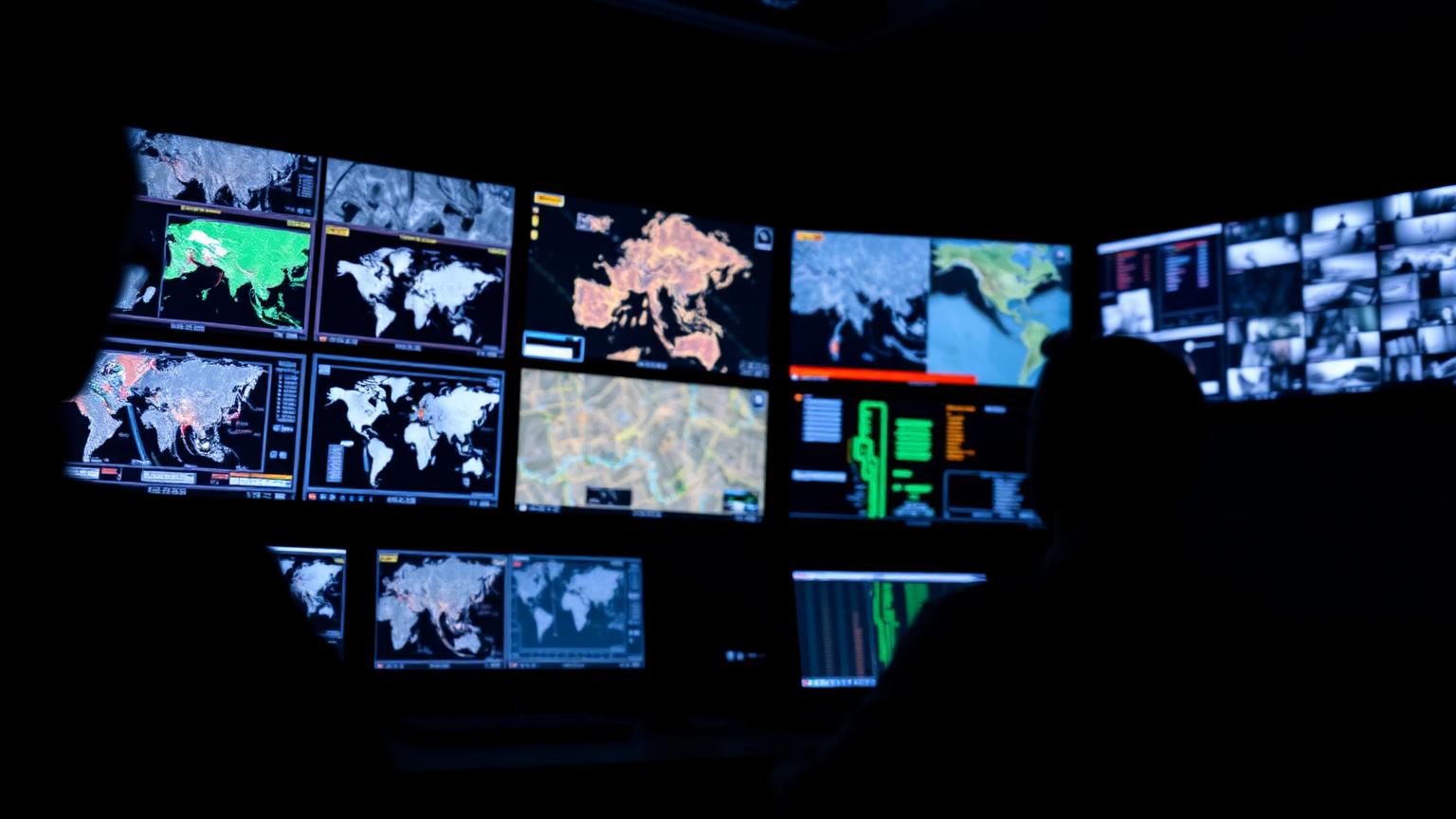
This entire process, in ideal conditions, takes just a few seconds. The result is that a supervisor in a control room, whether it’s on-site or across the country, can see a live, developing picture of the security operations. They see green ticks for completed checkpoints and, crucially, get alerted to red crosses for missed ones.
Let's Talk About Latency: The Unspoken 'Lag' in Real Time
The promise of "real time" lives and dies by the quality of the network connection. This is the part that many software vendors don’t like to talk about, but as practitioners, we have to deal with it on the ground.
The Role of the Network (4G vs. 2G)
On a good 4G or Wi-Fi network – say, in the lobby of a corporate office in London – the data transfer is almost instant. A scan at 14:02:05 will show up on the dashboard by 14:02:08. But take that same system to a hospital basement, a multi-level car park, or a remote factory in industrial Sharjah, and the picture changes. In these areas, the phone might only connect to a shaky 2G signal. The data packet is small, just a few kilobytes, but even that can take several minutes to upload on a poor connection. This delay is what we call latency.
How Live Systems Handle Poor Connectivity
This is where the quality of your chosen security guard app becomes critical. A robust live app is designed for persistent, efficient data transmission. When a guard scans a tag in an area with a poor signal, the app doesn’t give up. It continuously attempts to upload the scan data—the tag ID, timestamp, and GPS coordinates—live to the cloud server. The data appears on the manager’s dashboard the moment the transmission successfully gets through the weak network. The integrity of the patrol record is maintained because the live data is delivered, even if delayed by network conditions. The key is that managers always see the most current data the network allows.
Server Processing Time
Even with a perfect network, there’s a tiny delay on the server side. The server has to receive the data, validate it, check it against the schedule, and update the database. With modern cloud infrastructure, this is incredibly fast – usually less than a second. But it’s still a part of the chain. When you combine server time with network latency, you start to get a realistic picture of total delay.
Key Facts
- Data Packets are Tiny: A single checkpoint scan with GPS data is typically just 2-5 KB.
- Latency Varies Wildly: The delay between a scan and it appearing on the dashboard can be 2 seconds on a strong 4G connection or over 5 minutes on a congested 2G network.
- Server-Side Rules: Alerts for missed patrols are triggered by the central server, not the guard's app. The server is the "brain" that decides when something is late.
- Live Data Transmission: Every scan is uploaded instantly to the cloud, providing immediate visibility to supervisors in the control room.
- GPS Adds Overhead: Capturing GPS coordinates requires more battery and can add a few seconds to the data packet creation time, but it provides invaluable location context.
Configuring Missed Checkpoint Alerts That Don’t Drive You Crazy
This brings me back to my Mumbai warehouse story. The client's mistake was setting their missed checkpoint alert threshold way too low. They had it set to just 2 minutes. The system was doing exactly what it was told: if a scan scheduled for 2:00 PM didn’t arrive by 2:02 PM, it sent an alert. Due to network latency, this created a constant stream of false alarms.
Why Immediate Alerts Backfire
When your control room operators are bombarded with alerts they know are probably just network delays, they develop "alert fatigue". They start tuning out the noise, and the risk is they will miss a genuine emergency because it’s buried under dozens of false positives. An alert system that cries wolf all the time is worse than no alert system at all.
My Recommended Alert Configuration: The 15-Minute Rule
After years of fine-tuning this across hundreds of sites, I have a simple rule of thumb: never set your missed checkpoint alert threshold lower than 15 minutes.
Here’s how it works. If a guard is scheduled to scan a checkpoint between 2:00 PM and 2:10 PM, I configure the system to trigger the first alert only at 2:25 PM (15 minutes after the window closes). This 15-minute buffer is generous. It gives the guard’s phone ample time to transmit the scan even over a slow network. It almost completely eliminates false alarms from network latency. If a checkpoint scan hasn’t arrived 15 minutes after it was due, you can be much more confident that there is a real issue that needs investigation.
Using Escalation Levels for Smarter Alerts
A good guard tour system will allow you to set up multi-level escalation. This is incredibly useful for managing responses effectively. Here’s a typical setup I recommend:
- 15 Minutes Late: An automated email is sent to the on-site Security Supervisor. It’s an FYI, a prompt to check in.
- 30 Minutes Late: An SMS and a push notification are sent to the Area Manager. Now it’s more serious.
- 45 Minutes Late: A critical alert is logged on the main dashboard and an automated phone call can be triggered to the Head of Operations. This indicates a potential major issue, like a guard being incapacitated or having abandoned their post.
Comparing Real Time vs. Offline Data Transfer
Understanding the difference between a system designed for real time and one that primarily works offline is crucial when choosing a solution.
| Feature | Push (Real Time System) | Pull (Offline Wand/System) |
|---|---|---|
| Alert Immediacy | Alerts for missed patrols sent in minutes. | No alerts. You only discover missed patrols hours later after data download. |
| Network Dependency | High. Requires mobile network for real time updates. | None. The device stores all data until it is manually downloaded via USB. |
| Battery Usage | Higher, as the phone is constantly communicating with the network. | Very low. The device is only active during the scan itself. |
| Data Loss Risk | Low. Data is uploaded live to the cloud with each scan. | Higher. If the wand is lost or damaged before download, all patrol data is gone. |
| Typical Use Case | High-risk sites: hospitals, data centers, large warehouses, anywhere immediate oversight is needed. | Low-risk sites, compliance-focused guarding where end-of-day reports are sufficient. |
Beyond Missed Checkpoints: Other Valuable Real Time Features
The real power of a real time system isn’t just about checking if patrols are done on time. It’s about creating a live communication channel between the guard and the control room.
Instant Incident Reporting
This is a massive operational advantage. A guard on patrol finds a water pipe bursting in a basement. With an old system, they’d have to walk back to a post or use their personal phone to report it. With a real time system, they use the app. They can take a photo, select "Maintenance Issue" from a dropdown, add a voice note, and submit it. The report, with its exact location and photo evidence, is instantly on the supervisor’s screen. This is a core function of modern incident reporting software for security companies.
Panic Button and Lone Worker Safety
For me, this is the most important real time feature. Guards often work in isolated areas and at night. A panic button in the app can be a lifesaver. When the guard activates it, the system immediately sends a high-priority alert to the control room with their last known location. This transforms the patrol app from a simple tracking tool into a vital piece of personal protective equipment, essential for any serious lone worker safety protocol.
Geofence Alerts
Modern systems also allow you to create virtual boundaries (geofences) around a site. The real time system can automatically trigger an alert if a guard’s device leaves the designated property during their shift. This helps prevent post abandonment and ensures guards remain where they are supposed to be.
Beyond these live alerts, a comprehensive system like Guard Patrolling also adds layers of accountability and convenience. For example, Face Verification confirms the authorized guard is the one starting the shift by requiring a selfie at check-in, which is compared against their profile. Meanwhile, Daily Email Reports automatically compile all patrol activities, incidents, and logs into a neat summary, which is then emailed to both the security agency manager and the client, saving hours of manual report-building.
Frequently Asked Questions
What is a real time guard monitoring system?
A real time guard monitoring system is a solution combining a smartphone application and cloud-based software that allows security managers to track patrol progress as it happens. It transmits data from scanned checkpoints instantly, enabling live monitoring and immediate alerts for missed tasks or incidents.
How much delay is there in a real time guard tour?
The delay, or latency, depends on network conditions. On a strong 4G or Wi-Fi network, the delay is typically 2 to 5 seconds. However, on poor 2G networks or in areas with bad reception like basements, the delay can extend to several minutes as the live data packet makes its way through a slow or congested network.
What happens if there is no internet at the checkpoint?
A live, cloud-based system requires a network connection (cellular or Wi-Fi) to transmit patrol data. For a scan to appear on the manager’s dashboard in real time, the guard’s phone must be connected to the internet. In areas with no signal at all, the scan cannot be transmitted to the cloud. This is why a site survey to ensure adequate cellular coverage is essential for true real-time monitoring.
Can I track my guards' live location in real time?
Yes, most systems offer live GPS tracking to show the guard's location on a map. However, constant GPS tracking drains the phone's battery very quickly. A more efficient method is to check the GPS location at the moment a checkpoint is scanned, which provides location verification without the heavy battery consumption.
What is the difference between a guard monitoring system and a guard monitoring unit?
A "guard monitoring system" refers to the entire platform: the cloud software, web dashboard, reporting tools, and the mobile app. A "guard monitoring unit" typically refers to the physical device the guard carries, which could be a dedicated handheld scanner or, more commonly today, a ruggedized smartphone running the system’s app.
How do real time alerts improve security operations?
Real time alerts allow for proactive security management instead of reactive reporting. By getting immediate notifications for missed patrols, panic alarms, or new incidents, supervisors can respond instantly to developing situations. This improves response times, enhances guard safety, and allows for issues to be resolved before they escalate.
Bottom Line
A real time guard monitoring system is a powerful tool. It provides a level of oversight and responsiveness that was impossible with older technologies. But it is not a magic wand. You need to go into it with a clear understanding of what “real time” actually means, factoring in the realities of mobile networks and on-site conditions. By configuring your alerts smartly and choosing a system designed for live, persistent data transmission, you can eliminate frustrations and build a truly effective, responsive security operation.
If you’re ready to move beyond paper and see what a properly configured real time system can do, take a look at our features and pricing. We build our software based on a decade of field experience. Explore GuardPatrolling plans.


