Quick answer: An online guard tour system is a cloud-based software solution that uses smartphones and the internet to track security patrols in real time. It replaces older desktop-based systems that required manual data downloads. Guards scan checkpoints, and the data uploads live to the cloud, making it instantly available to supervisors on a web dashboard.
I still remember the headache of the old “pipe” readers. Back in 2012, at a huge warehouse site in Dubai, we had this desktop-based system. Every morning, my team lead had to physically collect the rugged readers from the guards, bring them to the single office computer that had the software, and plug them into a special dock. Only then, maybe an hour after the morning shift started, could we download the patrol data. More than once, we discovered a critical fence patrol was missed eight hours too late. The client was not happy.
That whole workflow of downloading data from a physical device is history now, thankfully. The shift to an online guard tour system, also called cloud guard tour software, has completely changed how we manage patrols. There is no special “reader” device anymore. Just a simple app on a standard smartphone. Your guards scan checkpoints, and you see it happen live on a website. There is no “data download karna padta tha” anymore. Everything is instant. It puts the control back where it belongs: with the operations manager, in real time.
Running patrols on paper registers? See live checkpoint tracking in action. Check GuardPatrolling plans and pricing.
The Old Way: Why We Ditched Desktop Guard Tour Software
The biggest problem with the old systems was the delay. They were never truly “live”. They were great for historical proof of presence, but almost useless for immediate, operational decisions. The process was always the same: a guard patrols, the reader collects the data, and the data sits inside that device until someone manually downloads it.
This created several issues on the ground:
- Delayed Incident Response: If a guard pressed a panic button on the reader, you wouldn’t know until the download. If they missed a checkpoint, you only found out hours later. This delay makes a huge difference in an actual emergency.
- Single Point of Failure: The computer with the guard tour software was a massive bottleneck. If it crashed or the person trained to use it was on leave, you couldn’t get any reports. I saw this happen at a hospital site—the admin PC got a virus, and we were blind to our patrol data for two days.
- High Upfront Costs: These systems involved buying expensive, proprietary hardware. The rugged readers themselves cost hundreds of dollars each, and the desktop software often came with a hefty license fee. This made it difficult for smaller security firms to compete.
- Maintenance Headaches: The readers needed constant maintenance, charging, and care. The download docks would fail, cables would get lost, and the software needed periodic updates that were complex to install. It was a full-time job just to keep the system running.
What Is an Online Guard Tour System, Really?
An online guard tour system moves the entire process to the cloud. Instead of a dedicated hardware reader and desktop software, it works with two simple components:
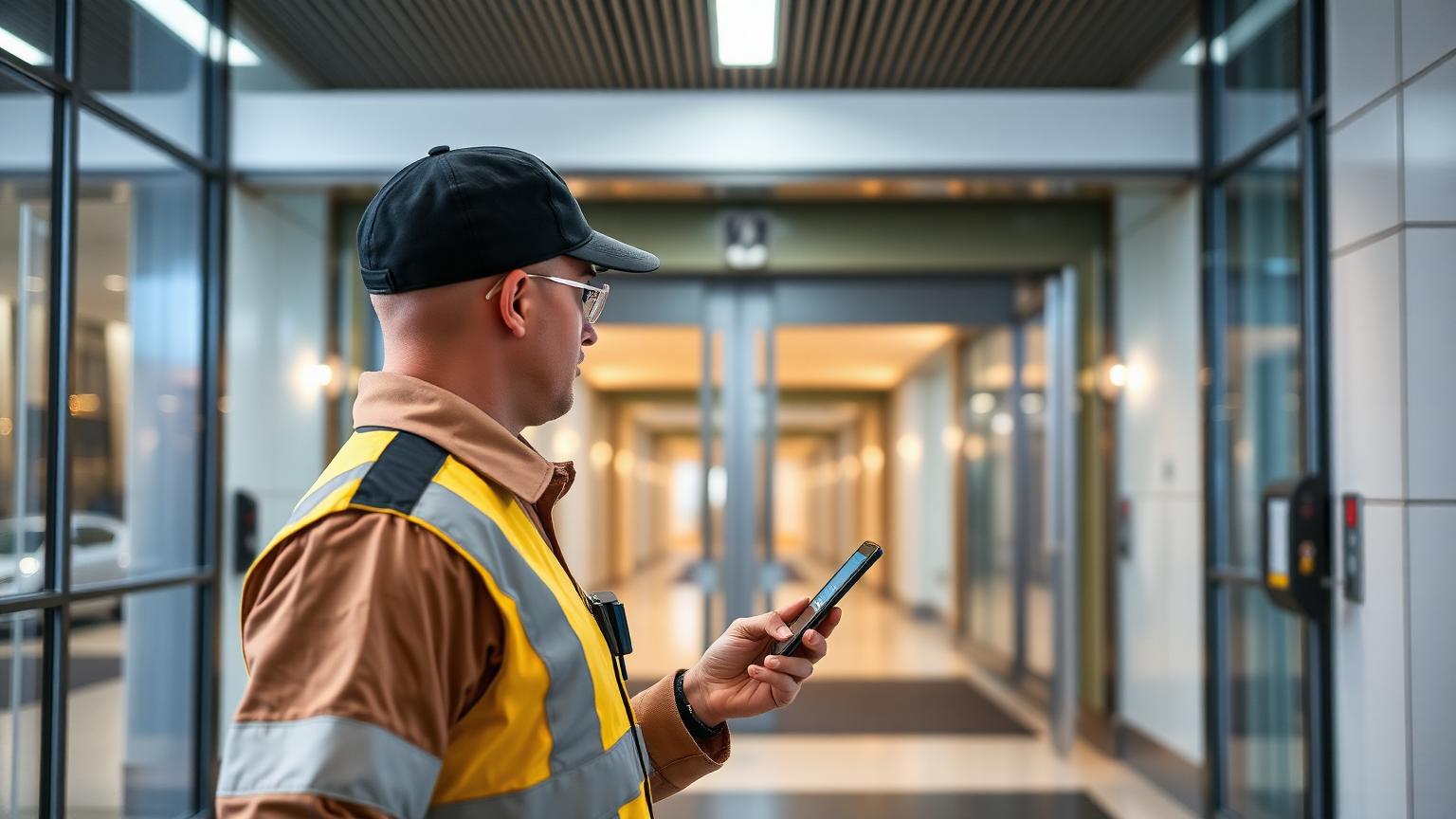
- A Guard App: This is a simple app guards install on their regular Android or iOS smartphones. They use the phone’s camera or NFC capability to scan checkpoints (QR codes or NFC tags).
- A Web Dashboard: This is a website you, the manager, log into from any computer or tablet with an internet connection. This dashboard shows you a live map of your guards, real-time checkpoint scans, missed patrols, incident reports with photos, and all your historical data.
The magic is the internet. When a guard scans a checkpoint, the app instantly sends that information over the mobile network (4G, 5G, or Wi-Fi) to the cloud servers. Your web dashboard reads from these servers and shows you the scan immediately. It turns patrol monitoring from a historical reporting task into a live command-and-control activity.
Beyond just tracking, modern online systems offer powerful tools for accountability and communication. For instance, Guard Patrolling’s Face Verification feature confirms the right guard is on duty by requiring a selfie at check-in. Meanwhile, automated Daily Email Reports keep both the security agency and the client informed with a summary of all patrol activity, delivered straight to their inbox.
This is the core of what a modern security guard tracking software should do: provide immediate, actionable intelligence from the field.
Key Facts: Online vs. Offline Guard Tour Systems
- Real-Time Data: Online systems provide instant, real-time updates on patrol progress. Offline systems require manual data downloads, resulting in significant delays.
- Hardware: Online systems use standard smartphones, eliminating the need for expensive, proprietary readers. Offline systems depend on costly, rugged data collectors.
- Accessibility: Cloud software dashboards can be accessed from any device with an internet browser. Desktop software is tied to a single, specific computer.
- Setup Speed: An online system can be fully deployed across a site in a few hours. Offline systems often require more complex software installation and hardware configuration.
- Maintenance: Cloud software updates are handled automatically by the provider. Desktop software requires manual updates and local IT support for troubleshooting.
Cloud vs. Desktop Reader: A Head-to-Head Comparison
When you put the two approaches side-by-side, the advantages of going online become very clear. I’ve managed transitions from desktop to cloud systems for clients in manufacturing, residential communities, and corporate parks. The feedback is always the same: they can’t believe they ever tolerated the old way.
| Feature | Online Guard Tour System (Cloud) | Offline Guard Tour System (Desktop) |
|---|---|---|
| Data Access | Instant, real-time from any web browser | Delayed, requires physical download to a specific PC |
| Hardware Cost | Low (uses guard’s or company-provided smartphone) | High (proprietary rugged readers and download docks) |
| Setup Time | Hours | Days or even weeks |
| Panic Alerts | Instant notification with live location | Alert recorded on device, discovered only after download |
| Software Updates | Automatic, managed by the provider in the cloud | Manual installation required on the local computer |
| Multi-Site Management | Easy, manage all sites from one central login | Difficult, often requires separate software installs or complex networking |
| Reporting | Automated, with options for Daily Email Reports sent to management and clients, or reports generated on-demand | Manual process to generate and export reports |
How to Set Up an Online Guard Tour System (Today)
This is my favorite part. The speed of installation for a cloud-based guard tour system is incredible. I have personally set up a new multi-building campus site with 50 checkpoints and 10 guards in less than a day, with patrols running by the evening shift. Here’s how you do it, step-by-step.
Step 1: Sign Up and Create Your Account (15 Minutes)
This is the simplest step. You go to the provider’s website and sign up. For instance, you can start with a 15-day free demo — 1 guard, 1 site. No card required. You’ll get a login for your web dashboard. This is your command center. The first thing you do is create a “Site” and give it a name, like “Prestige Tech Park” or “Building A”.
Step 2: Add Your Guards (20 Minutes)
In the dashboard, there will be a section for “Guards” or “Users”. You just enter your guards’ names and phone numbers or email addresses. The system then automatically sends them an SMS or email with a link to download the guard app (like the patrol tracking app we use) from the Google Play Store or Apple App Store. They install it, log in with the credentials provided, and that’s it. Training ka time is minimal because the apps are designed to be extremely simple.
Step 3: Create and Place Your Checkpoints (2-3 Hours)
This is the most hands-on part. In your dashboard, you can define your checkpoints. You give each one a name like “East Fence – Corner 1” or “Basement 2 – Water Pump”. The system generates a unique QR code for each checkpoint. You then print these QR codes on regular paper (or get weatherproof stickers) and place them at the actual physical locations. As you create them, you can organize them into specific patrol routes or “Tours”. For a deeper dive on checkpoint types, our guide on QR codes vs. NFC is a good read.
Step 4: Configure Your Tours and Schedules (30 Minutes)
Once checkpoints are in place, you define the actual patrols. You create a “Tour,” select the checkpoints that are part of it, and set a schedule. For example, “Perimeter Patrol” must be completed every 2 hours between 6 PM and 6 AM. The system uses this schedule to automatically flag missed or delayed patrols. You can set up as many different tours as you need for your site pe.
Step 5: Run a Test Patrol (15 Minutes)
Before you go fully live, have a supervisor or a trusted guard do a full test run. Have them walk the route, scan every checkpoint, and maybe even submit a test incident report with a photo. You can sit in the office and watch on your dashboard as the checkpoint scans appear in real time. This confirms that everything is working perfectly and builds confidence in the system.
And that’s it. In about half a day, you can go from a paper-based system to a fully operational, real-time online guard tour system. The efficiency gain is massive.
Where Online Systems Sometimes Stumble
No technology is perfect, and it would be dishonest to say cloud systems don’t have dependencies. Their biggest one is, of course, a live internet connection. Sab kuch online hai, after all. A truly live system requires a constant connection to transmit data instantly.
I’ve faced this at remote industrial sites or in deep basements of high-rise buildings where mobile signal is weak or non-existent. In these “dead zones,” the app cannot send data to the cloud. This means for a guard patrol system to be effective in real time, you must ensure there is connectivity. A scan made in a dead zone cannot be seen by the manager until the guard moves back into an area with a 4G, 5G, or Wi-Fi signal.
For high-security zones where continuous live tracking is critical, solving connectivity is part of the setup. We often pre-install a Wi-Fi hotspot at the entrance to the dead zone. The moment a guard’s phone connects to it, they can transmit scans. It’s a simple and effective workaround to ensure 100% live monitoring.
Frequently Asked Questions
What’s the main difference between an online and an offline guard tour system?
The main difference is real-time data transmission. An online guard tour system uses the internet to send patrol data to a cloud dashboard instantly. An offline system stores data in a physical reader, which must be manually connected to a computer to download the information hours later.
Can I use my existing smartphone for an online guard tour system?
Yes, absolutely. Most online guard tour solutions are designed as apps that work on standard Android and iOS smartphones. Guards can use their personal devices or lower-cost company-provided phones, eliminating the need to buy expensive, specialized hardware readers for your patrols.
How much technical knowledge is needed for a guard tour system installation?
Very little technical knowledge is required. If you can use a website and print a document, you can set up an online guard tour system. The process involves signing up online, adding users, printing QR codes, and placing them. The software is managed by the provider, so there is no complex installation.
What happens if the internet connection is lost on site?
A live online guard tour system requires a live internet connection (mobile data or Wi-Fi) to work. If a guard enters an area with no signal, the app cannot send new scans or incident reports to the cloud dashboard. Managers will not see updates in real time from that guard until they move back into an area with connectivity. For sites with known dead zones, ensuring network coverage with Wi-Fi boosters is the best practice to maintain uninterrupted live tracking.
Is cloud guard tour software secure?
Yes. Reputable providers use secure cloud infrastructure, like Amazon Web Services or Google Cloud, with data encryption both in transit and at rest. Data is backed up automatically, and access to the dashboard is controlled by secure logins. It is generally far more secure than storing patrol data on a single office computer.
Do I need to download any software for a cloud-based guard tour system?
For managers and supervisors, no software download is needed. You access the system through a secure website from any browser. The only download required is the guard app for the security officers’ smartphones, which is easily installed from the official Google Play Store or Apple App Store.
Bottom Line
Switching from an old desktop-based system or a paper logbook to an online guard tour system is one of the highest-impact upgrades a security operation can make. The jump to real-time data, instant alerts, and automated reporting doesn’t just improve accountability; it fundamentally changes your ability to manage your team and respond to situations as they happen. The days of discovering a missed patrol the next morning are over.
The speed and simplicity of setup mean there’s very little reason to stick with outdated methods. You can get a modern, powerful system operational in just a few hours. To see how affordable this can be, check out our straightforward pricing. It’s time to move your patrols online.
Ready to see live patrols in action? Explore our features and plans to get started today. View GuardPatrolling pricing.