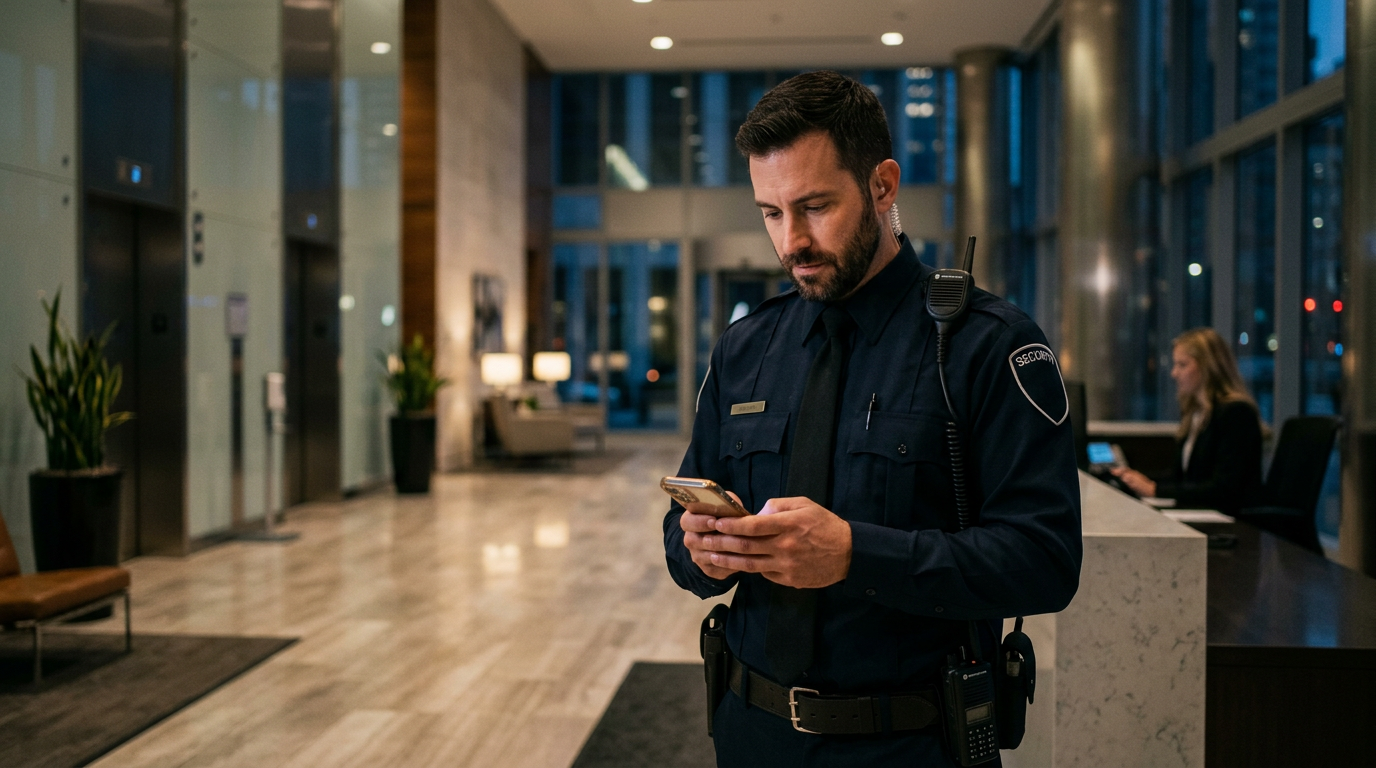
Quick answer: GPS employee tracking uses a mobile app or device to monitor the location and movement of field staff. It is primarily used to verify presence, improve safety for lone workers, and ensure that remote employees like security guards or sales staff are at their assigned locations during work hours.
I’ve been deploying patrol monitoring systems for over a decade now. The conversation around GPS tracking always starts the same way. A client, maybe a factory owner in Manesar or a security manager for a string of retail stores in London, wants to know where their people are. “I need to be sure my guards are actually walking the perimeter,” they’ll say. “Not just sitting in the guard hut.” And I get it. Payroll is your biggest cost, and you need to ensure you’re getting what you pay for.
But the moment you bring up installing a GPS tracking app on a guard’s personal phone, the mood changes. I remember one site in Dubai, a large residential community. We had a solid plan, but the guards were completely against using their own phones. They were worried about privacy, their phone battery draining, and data charges. We had to switch tactics completely and ended up using dedicated NFC-based devices. This is the reality of GPS employee tracking. It’s not just about technology. It’s about people, consent, and practical on-the-ground problems that marketing brochures never talk about.
Running patrols on paper registers? See live checkpoint tracking in action. Check GuardPatrolling plans and pricing.
Consent First: Is It Legal to Track Your Employees?
This is the first question you should ask. In most places, including India, the UK, and the UAE, tracking employees without their explicit consent is illegal. You cannot just secretly install an app. It opens you up to massive legal and financial risk. My advice is always the same: be transparent. Your employees are not your enemies. They are your partners in securing a site.
Getting Consent The Right Way
Written consent is non-negotiable. Don’t rely on a verbal “haan, theek hai”. Your employment contract or a separate policy document should clearly state:
- What you are tracking: Only location during work hours.
- Why you are tracking: For safety, operational efficiency, and attendance verification.
- When you are tracking: Strictly during shift hours. Tracking an employee 24/7 is a huge privacy violation.
- What data you are storing: Location history, for how long, and who has access to it.
During the training ka time, explain the system to your staff. Show them how the app works on a spare phone. Explain the benefits, especially for their own safety. A lone worker safety app with a panic button is a feature that protects them, not just monitors them. When you frame it as a tool for their security, acceptance goes way up.
What About Off-Hours Tracking?
Absolutely not. Never. The moment an employee clocks out, the tracking must stop. Most professional field employee tracking software is designed for this. It will have features like “geofencing” that automatically start and stop tracking when an employee enters or leaves a designated work area (the “site pe”). Manual clock-in and clock-out is another standard feature. If a system doesn’t have these controls, I would not recommend it.
Key Facts About GPS Employee Tracking
- Consent is mandatory: Tracking employees without their explicit, written consent is illegal in most jurisdictions, including India and the UK.
- Battery drain is real: Continuous GPS tracking can drain a smartphone battery by an extra 15-25% over an 8-hour shift. This is a major cause of employee pushback.
- Accuracy varies greatly: Open sky accuracy can be within 5 meters, but inside large concrete buildings or warehouses, GPS signals can be completely lost.
- BYOD vs. Corporate Devices is a key decision: Using employee personal phones (BYOD) is cheaper upfront but comes with privacy and support headaches. Providing devices gives you more control.
- It’s about more than location: Modern tracking systems are powerful field operations tools. Beyond live GPS, they include incident reporting, task management, and panic buttons. Guard Patrolling also adds unique features like Face Verification, which uses a selfie to confirm the correct guard is checking in for their shift, and automated Daily Email Reports, which send a complete patrol summary to you and your client every morning.
How GPS Employee Tracking Actually Works (The Non-Technical Version)
It’s simpler than you think. A security guard app on a smartphone uses the phone’s built-in Global Positioning System (GPS) receiver. This receiver talks to a network of satellites orbiting the Earth. By calculating the time it takes to get signals from several satellites, the phone can pinpoint its location.
The app then sends this location data, usually at set intervals (say, every 5 or 10 minutes), over the internet to a central server. As a manager, you log into a dashboard on your computer or a manager app on your phone and see a live map with the locations of your entire team. All scans, GPS positions, and incident reports upload live to the cloud, so managers see activity as it happens. The system also stores this history, so you can go back and see the exact path a guard walked yesterday or last week.
This is different from, and often used alongside, checkpoint-based systems. For a detailed comparison of technologies that don’t rely on GPS, see our guide on QR Code vs NFC for guard patrols. These are great for indoor patrols where GPS is unreliable.
The Big Debate: Company Phone vs. Bring Your Own Device (BYOD)
This is a big operational decision. I have seen clients succeed and fail with both approaches. Putting an employee tracking app on a personal phone (BYOD) is the most common starting point because it seems cheaper. But it’s not that simple. Here’s a quick breakdown of my experience.
| Feature | Company-Provided Device | Bring Your Own Device (BYOD) |
|---|---|---|
| Upfront Cost | High (Device purchase, approx. ₹8,000-₹12,000 per device in India) | Low to zero |
| Control & Security | High (You can lock down the device, prevent other app installs) | Low (It’s their personal device, you have limited control) |
| Employee Acceptance | Generally higher (It’s a work tool, no privacy concerns) | Can be very low (Concerns about privacy, battery, data usage) |
| Maintenance | Your responsibility (Cracked screens, software updates) | Employee’s responsibility (but their broken phone is your problem) |
| Support | Easier (One model of phone to support) | Difficult (Hundreds of different Android versions and models) |
My take? If you have more than 15-20 employees to manage, investing in low-cost corporate-owned devices is almost always worth it in the long run. It eliminates the arguments about privacy, battery, and data. You issue a rugged, dedicated device for work, and the conversation is over. It becomes just another piece of their uniform.
“My Phone Battery Drains Too Fast!”: The Reality of GPS Tracking Apps
This is the number one complaint from field staff. And they are not wrong. An app that is constantly using the phone’s GPS radio will drain the battery faster. There’s no way around it. From what I’ve seen across hundreds of deployments, a typical 8-hour shift with continuous GPS tracking will consume an additional 15-25% of the phone’s battery compared to a normal day.
How We Manage Battery Drain
A well-designed employee tracking system doesn’t just naively track GPS 100% of the time. We use a few smart techniques:
- Interval-based tracking: Instead of a constant stream, the app wakes up, gets a location, sends it live, and goes back to sleep. For most security patrols, a 5 or 10-minute interval is plenty.
- Smart tracking: The app can use less battery-intensive location sources like Wi-Fi or cell towers when high accuracy isn’t needed. It only fires up the GPS when the user is moving or a high-precision location is required.
- Movement detection: The app uses the phone’s accelerometer to detect when the device is moving. If the guard is stationary for 20 minutes, the app can reduce the frequency of GPS checks to save power.
Even with these optimizations, you have to be practical. We always advise clients to ensure their staff can charge their devices during their shift. For a guard in a patrol car, a car charger is essential. For staff at a fixed site, a charging point in the break room is a must-have.
GPS Accuracy: What to Expect and When It Fails
Clients sometimes expect pinpoint, military-grade accuracy. That’s not how it works in the real world. Under open skies with a clear view, a modern smartphone can get a location accurate to within 5-10 meters. That’s good enough to see if someone is in the parking lot or on the building’s north side.
Where GPS Fails
The signal from GPS satellites is actually very weak. It can be easily blocked. Common problem areas include:
- Indoors: Forget about tracking a patrol inside a large warehouse or the basement of a hospital. The concrete and steel block the signal. This is where you need an alternative like NFC or QR code checkpoints.
- “Urban Canyons”: In dense cities with tall buildings, the GPS signal can bounce off the buildings, leading to inaccurate readings. The map might show your employee is in the middle of the street when they are actually inside a building.
- Dense Tree Cover: Heavy foliage can also weaken and block GPS signals.
A good security guard tracking software will show you the accuracy of each location point. If the app reports an accuracy of 50 meters, you know that the actual location could be anywhere in a 50-meter circle. This context is crucial. I once had a client call me, furious that his guard was “in the river” next to the factory. The satellite view showed the GPS point was just off the riverbank. The accuracy reported was 45 meters – the guard was standing on the service road, exactly where he was supposed to be.
Frequently Asked Questions
Is it legal to track employees without their knowledge?
No, it is generally illegal in most countries, including India, the US, and the UK, to track employees using GPS without their explicit knowledge and consent. Doing so can lead to serious legal penalties and destroy trust with your staff. Always get written consent.
How much data does a GPS employee tracking app use?
A typical GPS tracking app uses a very small amount of mobile data. Since it’s only sending tiny packets of live location information, usage is usually between 5-15 MB per month for an employee working a standard 8-hour shift daily. This is less than streaming a few minutes of music.
Can I track an employee’s location when they are off-duty?
No, you should never track an employee outside of their agreed-upon work hours. This is a major invasion of privacy. Professional tracking systems are designed to only be active during shift times, often using geofencing or manual clock-in/out to ensure off-duty privacy.
What’s more accurate for tracking, GPS or NFC/QR codes?
GPS is for live outdoor tracking, providing a general location within 5-10 meters under open skies. NFC and QR codes are for precise checkpoint verification. They are 100% accurate for confirming a guard was at a specific indoor or outdoor point, as they require a physical scan that uploads instantly to the cloud. They are complementary technologies and are essential for proving presence indoors where GPS fails.
Can employees turn off the GPS tracking?
On a personal phone (BYOD), an employee can usually turn off location services, though this would typically violate company policy. On a company-provided device, you can often use Mobile Device Management (MDM) software to prevent users from disabling location services, ensuring the app remains active during work hours.
Does employee GPS tracking improve productivity?
It can, but not just by watching dots on a map. When used correctly, it improves accountability, which reduces time theft and ensures patrols are completed. It also improves operational efficiency by allowing managers to dispatch the nearest person to an incident, saving valuable time.
Bottom Line
A GPS employee tracking system is a powerful tool, but it is not a magic wand. I have seen it transform disorganized, paper-based security operations into efficient, accountable teams. I have also seen it fail miserably when implemented without transparency and a clear understanding of its limitations. The technology is the easy part. The hard part is getting the consent, the process, and the people part right.
Start with a clear policy, communicate openly with your staff, and choose a system that respects their privacy with features like off-hours disabling. Whether you go with BYOD or company devices, understand the real-world issues of battery life and GPS accuracy. If you are ready to move beyond paper and see what a modern patrol system can do for you, we invite you to try it yourself. See how Guard Patrolling works with a 15-day free demo — 1 guard, 1 site. No card required.
Ready to upgrade from paper-based patrol logs? Start your 15-day free demo now. Start Your Free Demo.